
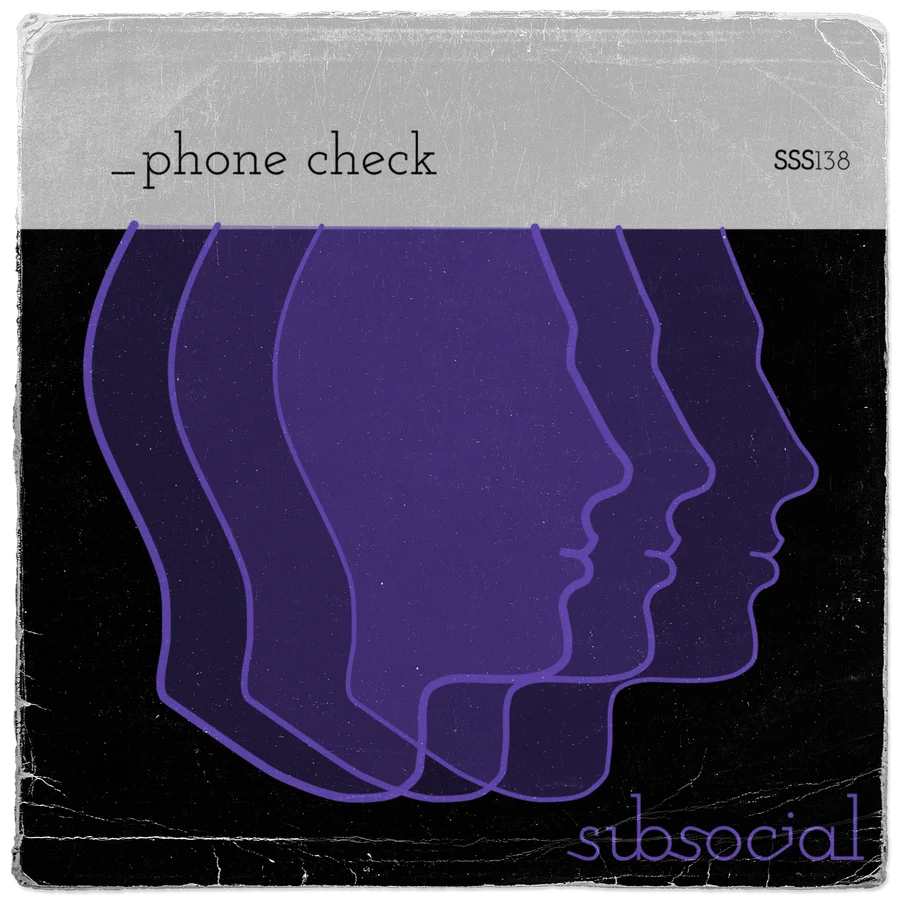
Phone Check
Mix on your Mac and hear it on your iPhone, live.
Phone Check streams your DAW to your phone over your own Wi-Fi in real time, so every EQ move, fader ride and compressor tweak lands on the speaker most people will hear it on, as you make it. No bouncing, no exporting, no sending files to yourself.

Phone Check was conceived at NOVA Studios, as a tool they built for their own studios: a quick, honest way to hear a mix on the phone it will actually be played on. We loved it, so we teamed up, adapted it and built it out together for everyone.
Coming soon, included with Subsocial Now and Forever: it will be in your plugins in the downloads area and the Forever app, with your licence key.

How It works.
- 01Open It on Your MacPhone Check lives in your menu bar, near the clock. No Dock icon, no window in your way.
- 02Open the Free iPhone AppSame Wi-Fi as your Mac. Your phone shows up in the Mac menu by itself.
- 03Pick Your Phone and Press PlayThe Mac says streaming, the phone says live. That is it.
The Mac app's quick start walks you through it the first time:
Made for Checking Mixes.
It Lives in Your Menu Bar
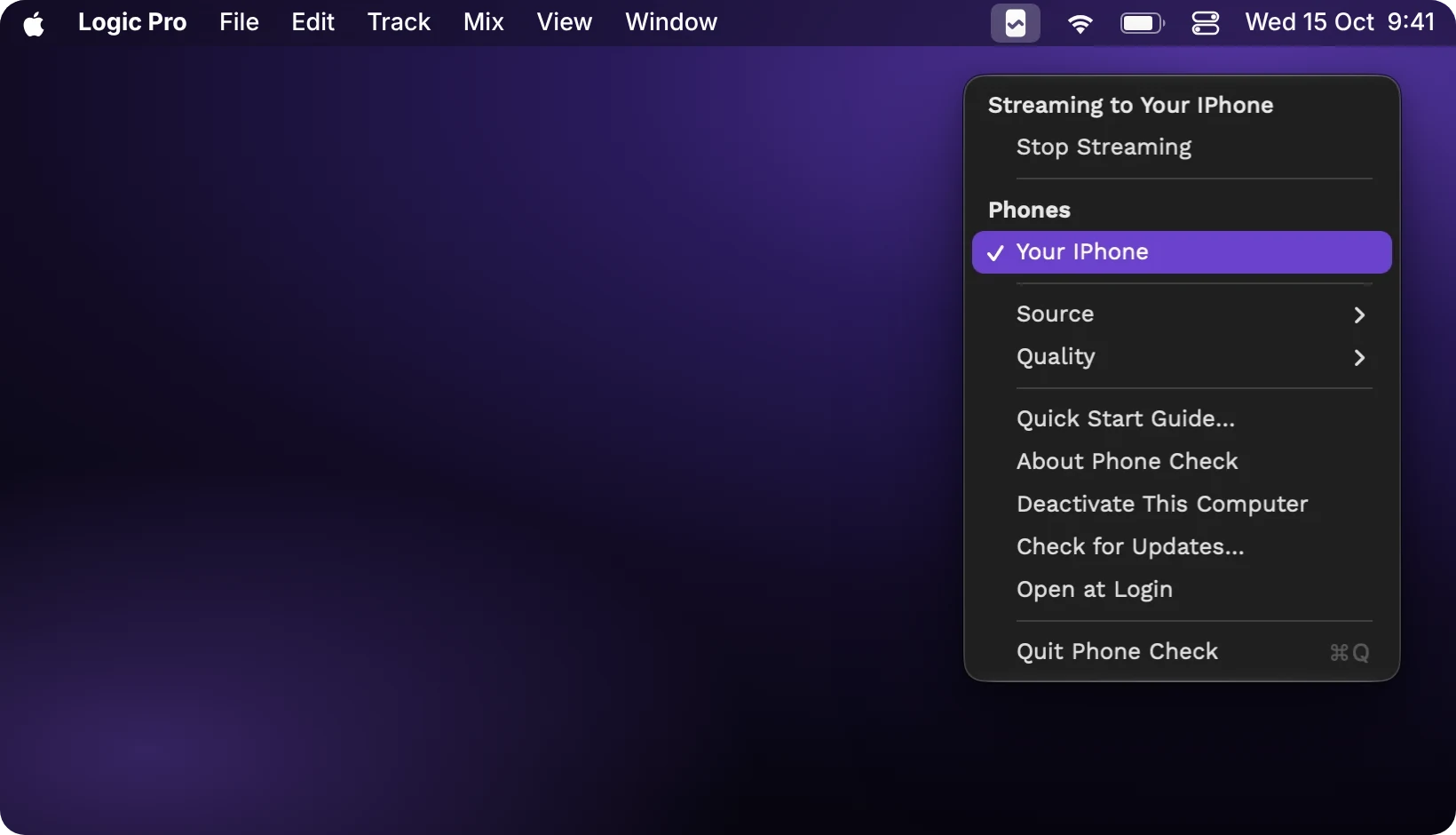
No window, no Dock icon. Click the little phone near the clock, pick your iPhone under Phones, and the Mac says Streaming to your iPhone. Stop it from the same menu.
Any DAW, or Everything
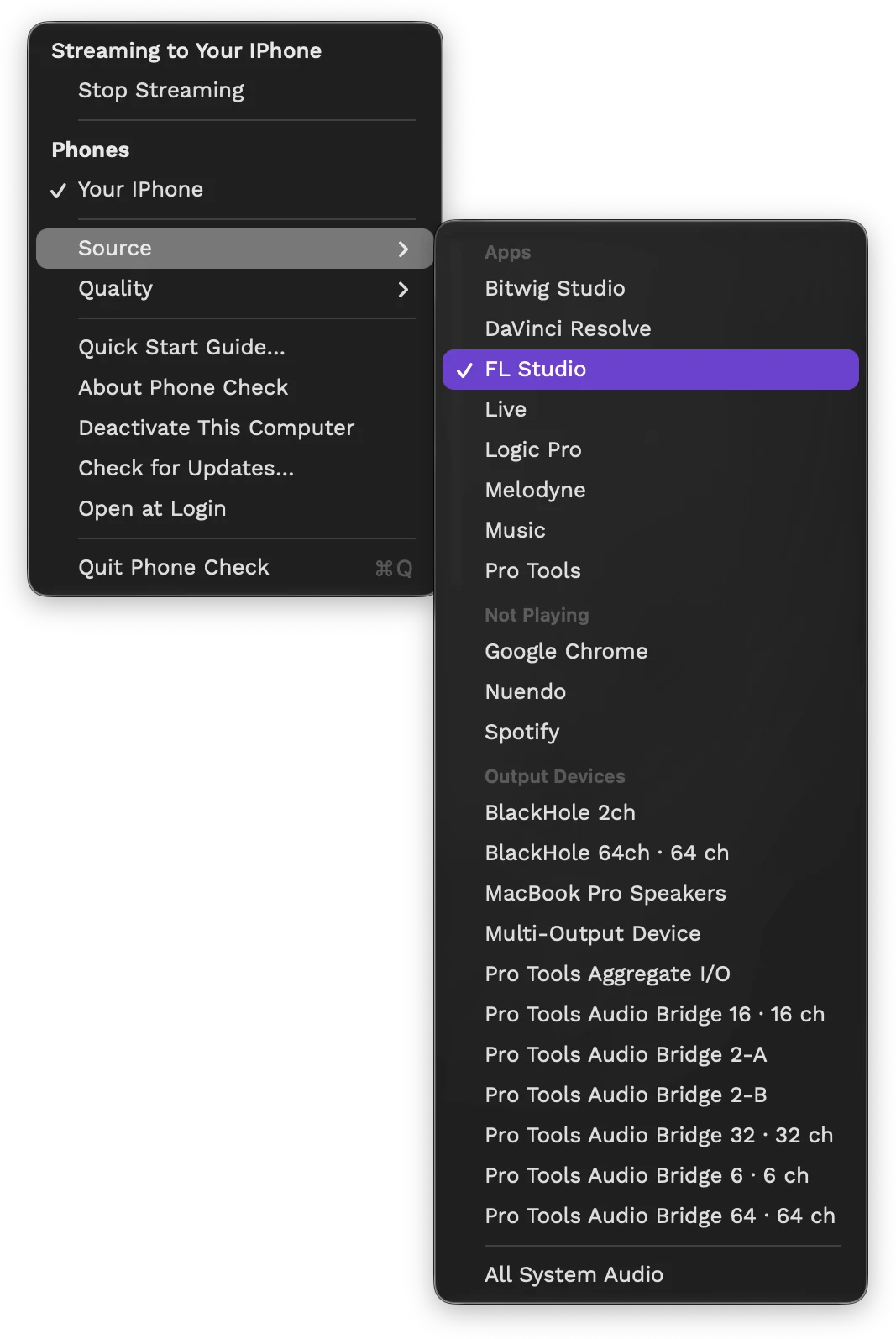
Under Source, send one app, like your DAW, or all system audio. Apps that are playing come first.
- Ableton Live, Logic Pro, FL Studio, Bitwig, Pro Tools and the rest.
- Big audio interface? Pick the pair of outputs that carries your mix.
Lossless by Default
The same audio stream on your Mac is sent over your own Wi-Fi. Nothing squeezed unless you ask for it.
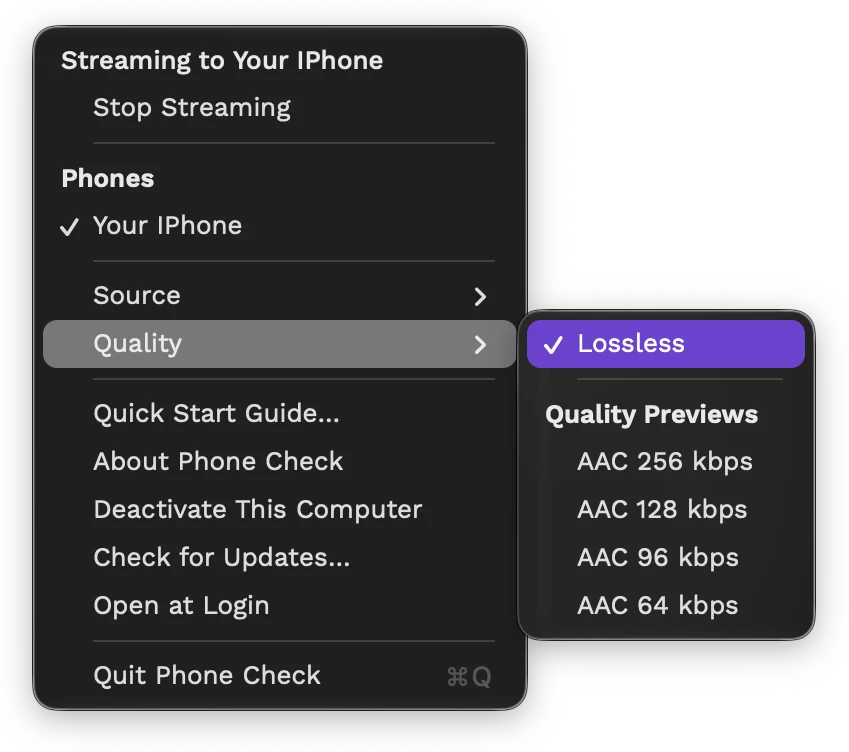
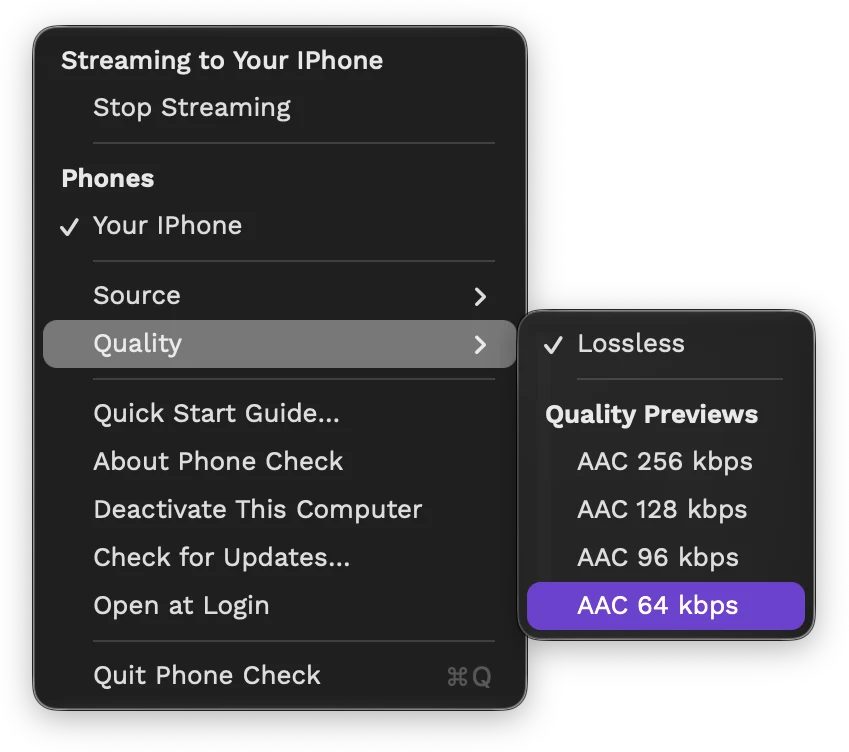
Hear the Codecs
Quality previews let you hear your mix the way streaming services squeeze it, from AAC 256 down to 64 kbps, before your listeners do. Also handy on busy Wi-Fi.
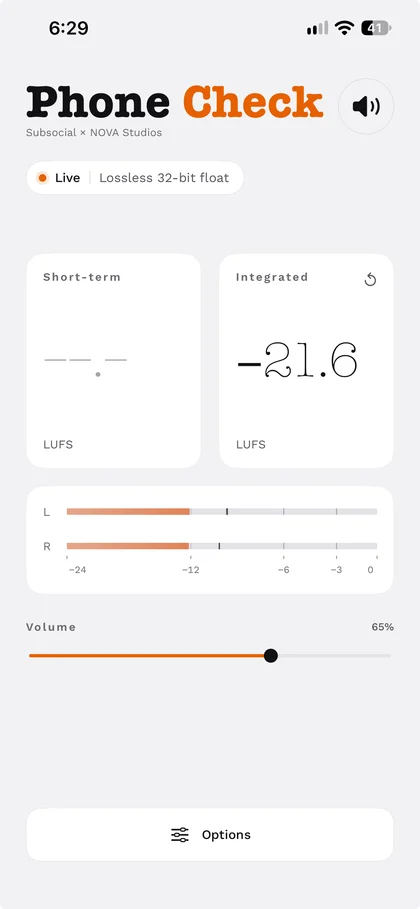
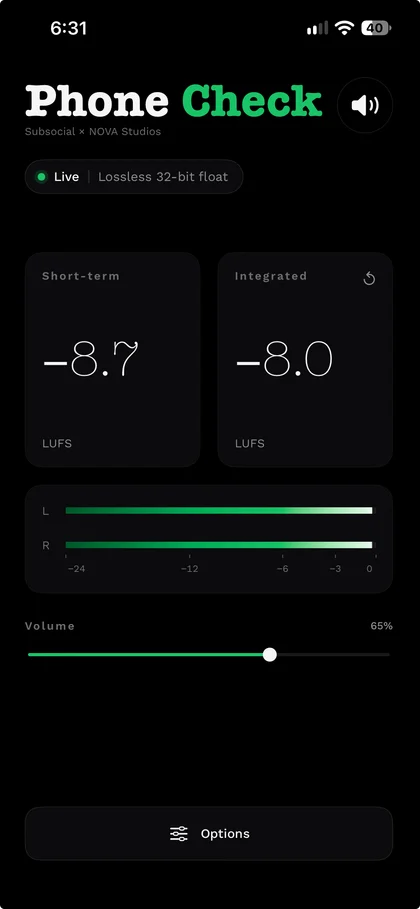
Meters on the Phone
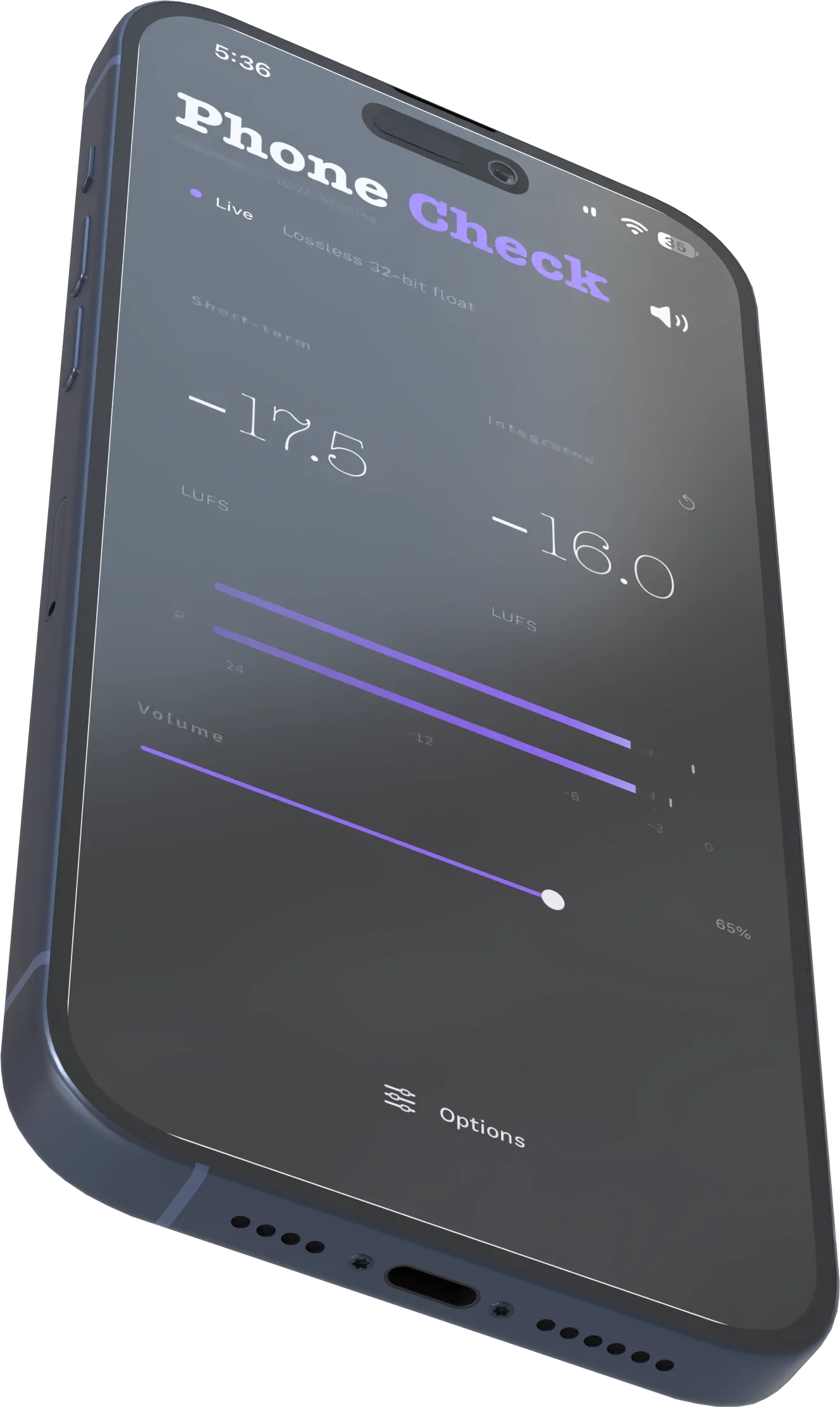
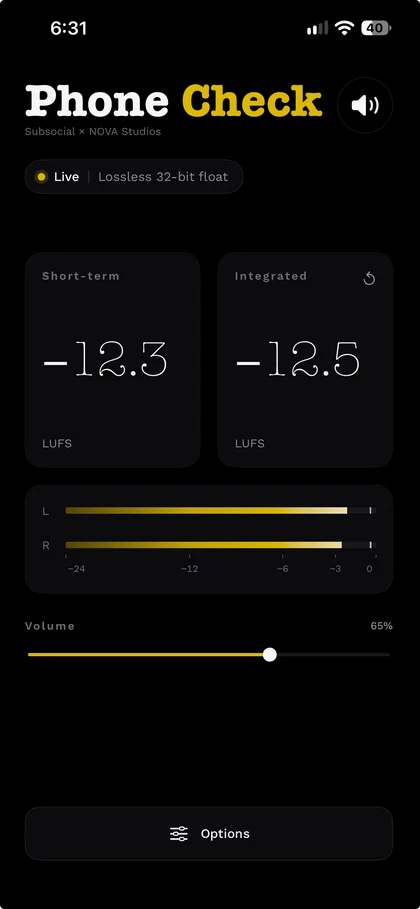
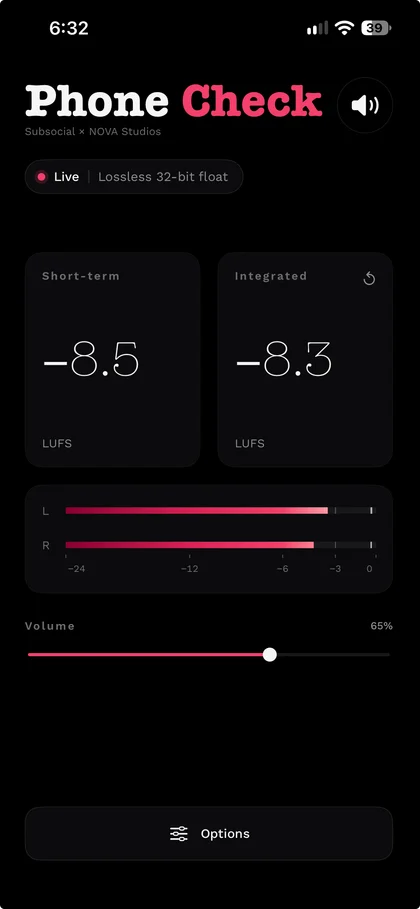
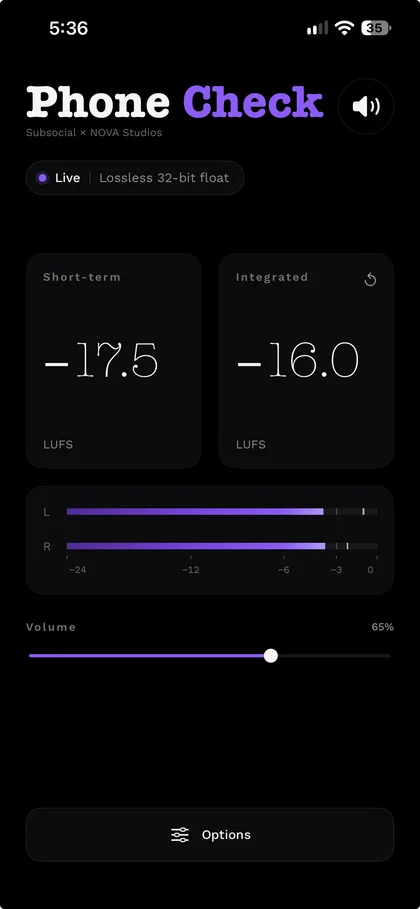
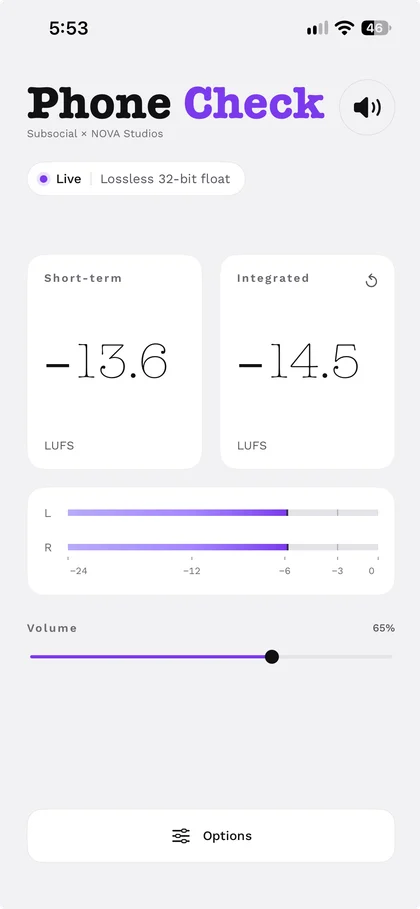
Left and right meters, plus short-term and integrated loudness in LUFS, right on the phone. Light or dark, to match the room.
Nothing Leaves Your Room
Local Wi-Fi only. No account, no server, no cloud, no subscription.
Sorts Itself Out
An automatic buffer guards against dropouts. Change your interface or sample rate and it picks the sound back up.
Up to 3 Macs
One licence works on up to three computers. Deactivate one from the menu to free a slot.
Make It Yours.
Light, dark or automatic, and choose any colour on the wheel for the meters and more. Give your phone a name, and the Mac app shows it under Phones.
 Dolby Atmos™ Certified Studio
Built by Engineers Who Check Mixes for a Living.
NOVA Studios is a Dolby Atmos™ certified recording, mixing and post-production studio in Vancouver, founded by senior engineers Jamie Kuse and Mike Southworth. Their room, designed by acoustic architect JH Brandt with ATC 100 ASL mains, is one of the most accurate mix rooms around, and they still wanted to hear their mixes on a phone. So they built their own solution, and Phone Check grew out of it.
- Juno AwardMixed, engineered and produced Snotty Nose Rez Kids' RED FUTURE, Rap Album/EP of the Year 2025.
- Sports EmmyEditorial and music on Valve's The International (Dota 2) broadcasts, a winner in 2022 and a nominee in 2023.
- NetflixSoundtrack engineering and vocal production on Riverdale, seasons 1 and 2.
- FIFA World Cup 26Composition, mixing and editorial for Destination Canada.
Minimum Requirements
- Mac
- Apple silicon or Intel, running macOS 14.2 Sonoma or newer.
- iPhone
- iOS 16 or newer, with the free Phone Check app.
- Network
- Your Mac and your iPhone on the same local Wi-Fi.
- Audio
- Any DAW or app that plays on your Mac, any sample rate, any interface.
Not supported: Windows PCs and Android phones. Phone Check is a Mac app with an iPhone app.
Questions
- Is there a delay?
- A small one, on purpose: an automatic buffer keeps the sound clean on Wi-Fi, starting at 75 ms. If your Wi-Fi allows, tune it down to as little as 10 ms on the phone, under Options, then Advanced.
- Does it work with my DAW?
- If your Mac can play it, Phone Check can send it. Pick your DAW under Source, or send all system audio.
- How many computers?
- Your licence works on up to 3 Macs. Deactivate one to free a slot.
- Does it need the internet?
- Only to activate your licence and to check for updates. The sound itself never leaves your Wi-Fi.
More in the help guides, or ask us.
Phone Check & Everything Else. Forever.
- All our sounds & plugins Forever.
- One-time payment. No subscriptions.
- A savings of 98% + future releases for free.
Designed by Subsocial Studios and NOVA Studios in Vancouver, Canada.

Already a member?
Coming SoonThe desktop app and your key code will be in your downloads area.